CA: 0x4ad663403df2f0e7987bc9c74561687472e1611c0x4ad6...e1611c
Back To Meme Trading Party
User Guide: How to Create Your Binance API
Bind You Read-Only Binance API to Earn Points and to farm FROG Airdrop
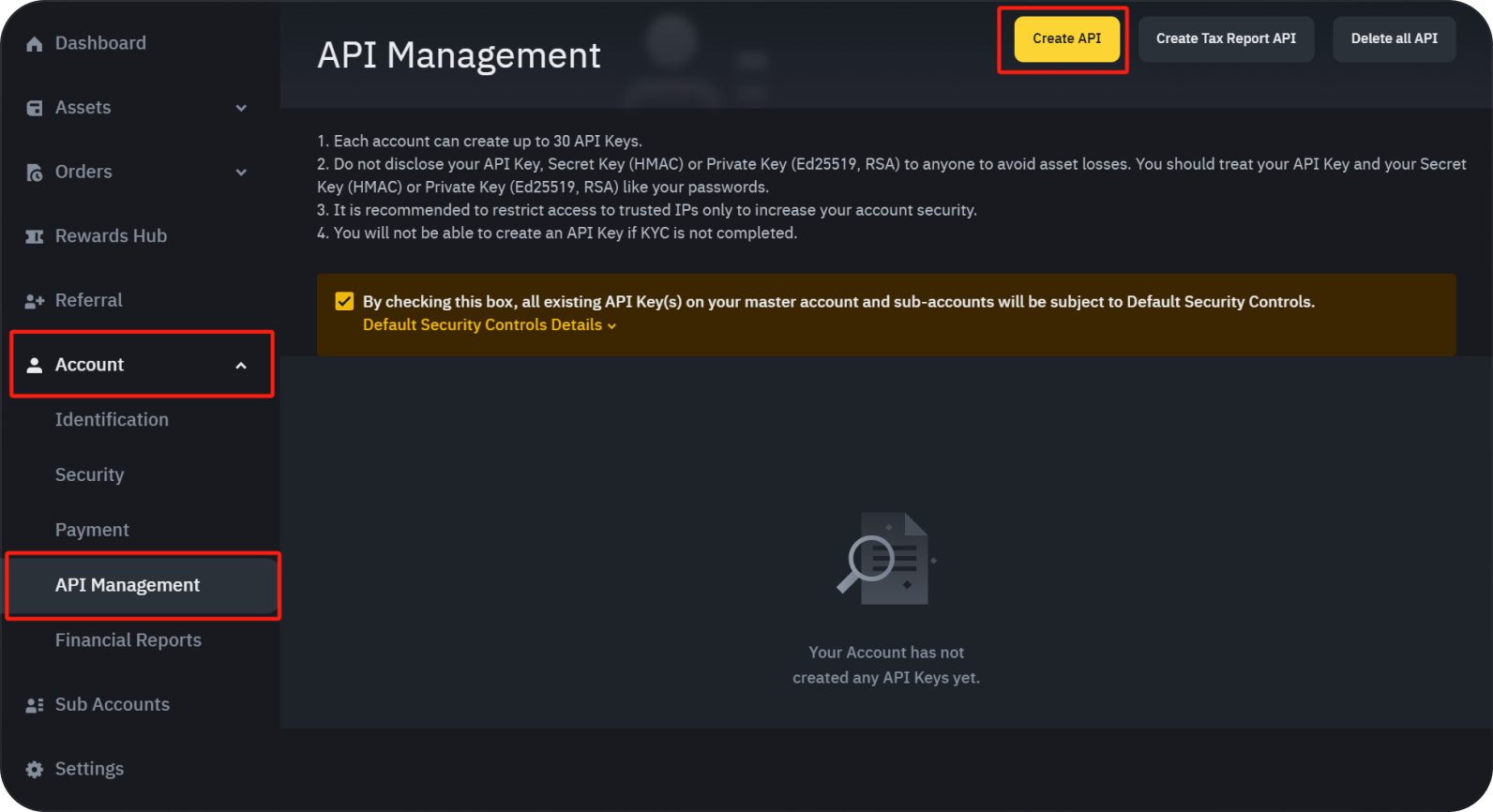
1. Visit https://www.binance.com/en/my/settings/api-management. You can also visit https://www.binance.com, log in to your account, and click on “API Management” under the “Account” tab.
2. Click "Create API", review the information provided, check the box to confirm, and proceed.
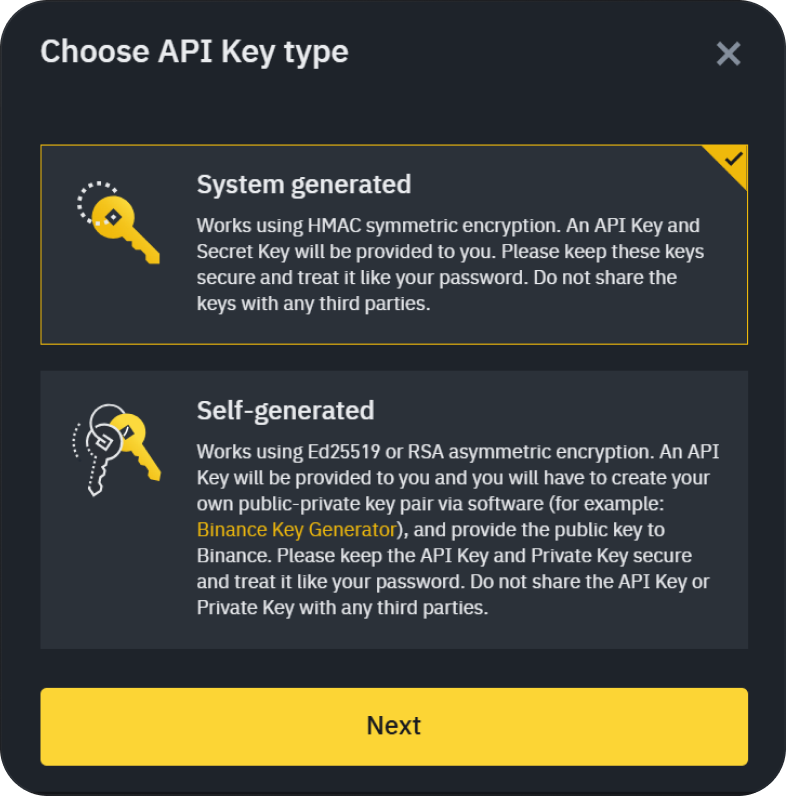
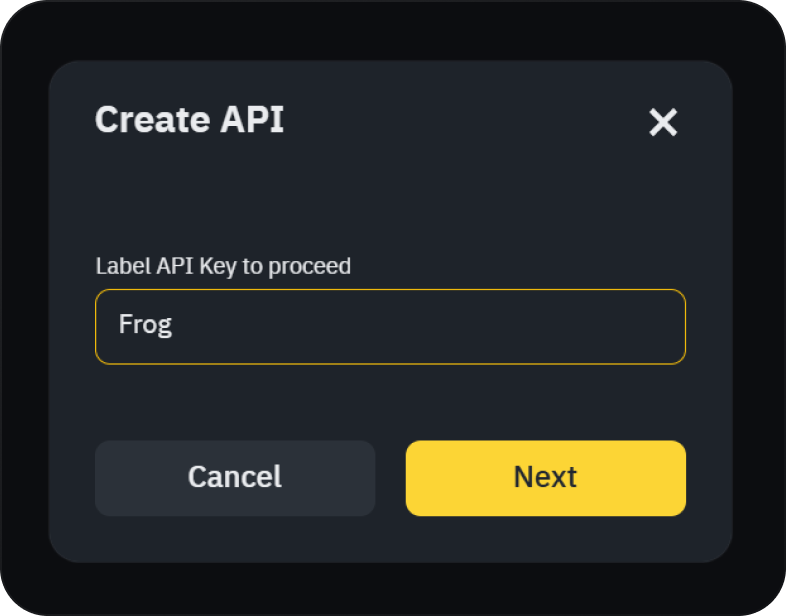
3. Click Select "System Generated" as the API Key type, assign a label name to your API, and click "Next" to proceed to the next step.
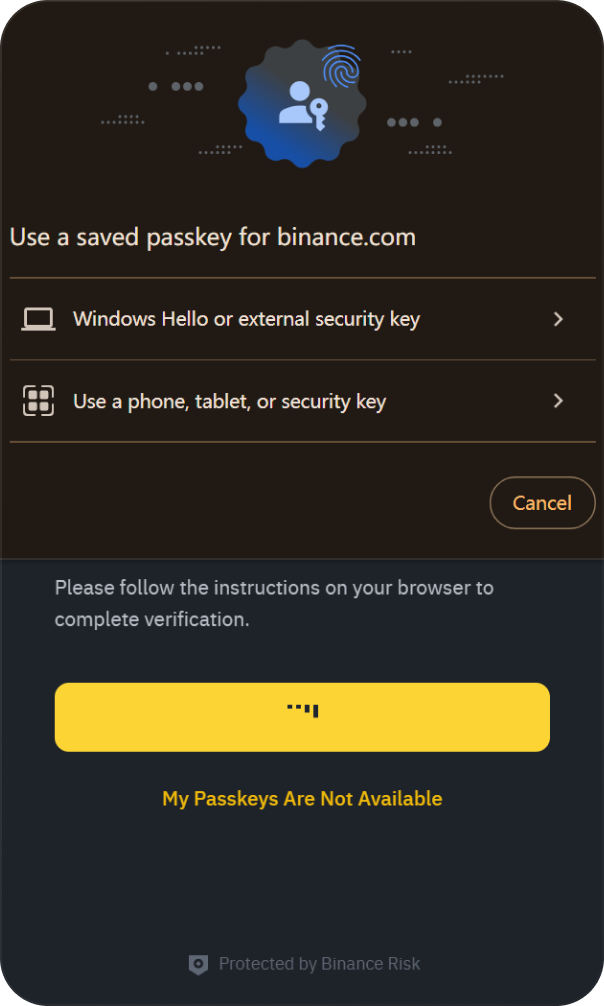
4. This step requires identity verification, supporting external security keys and mobile device code scanning. Once the verification is successfully completed, the API will be generated successfully.
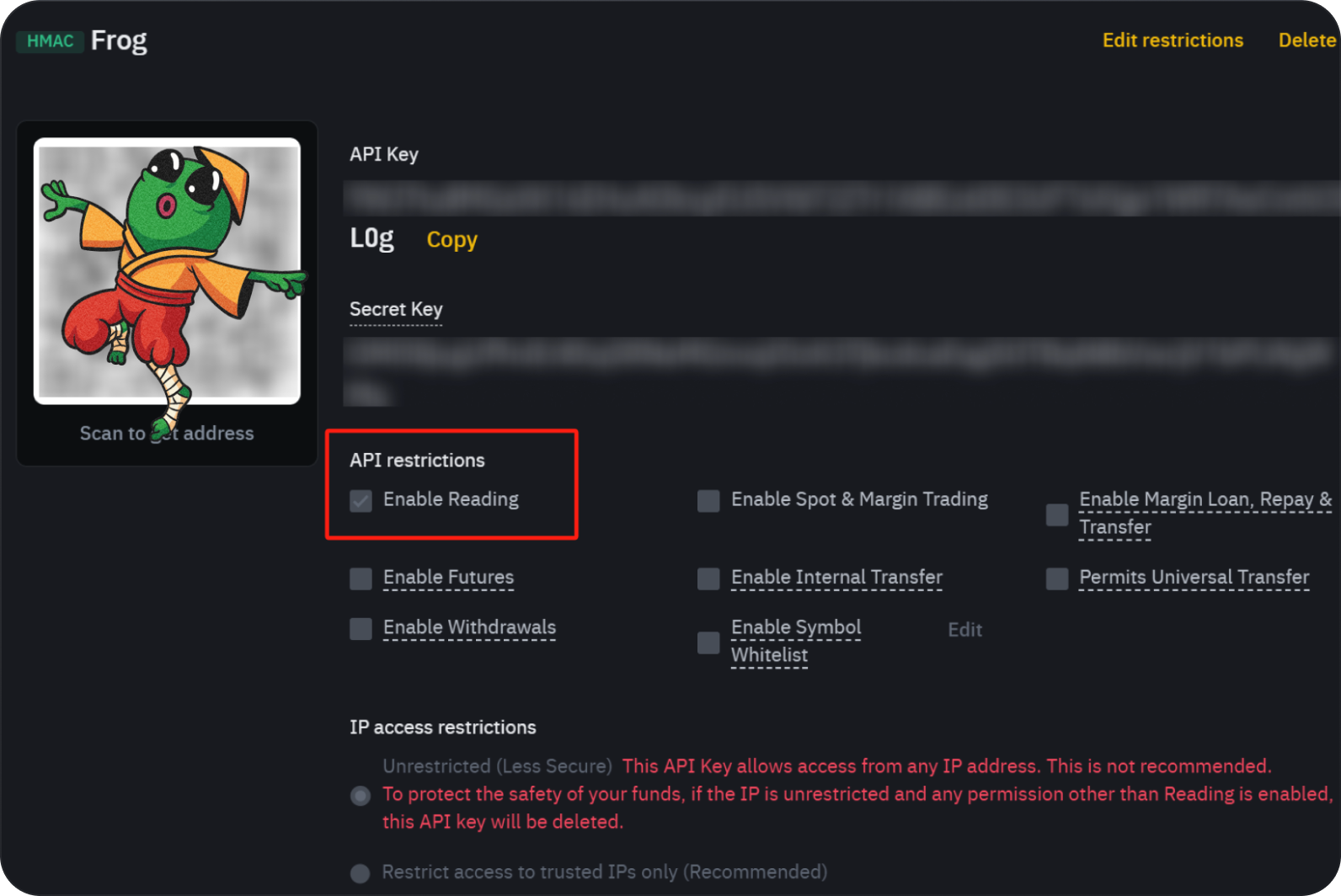
5. Before sharing your API Key and Secret Key, restrict it to “Enable Reading” only for security purposes.
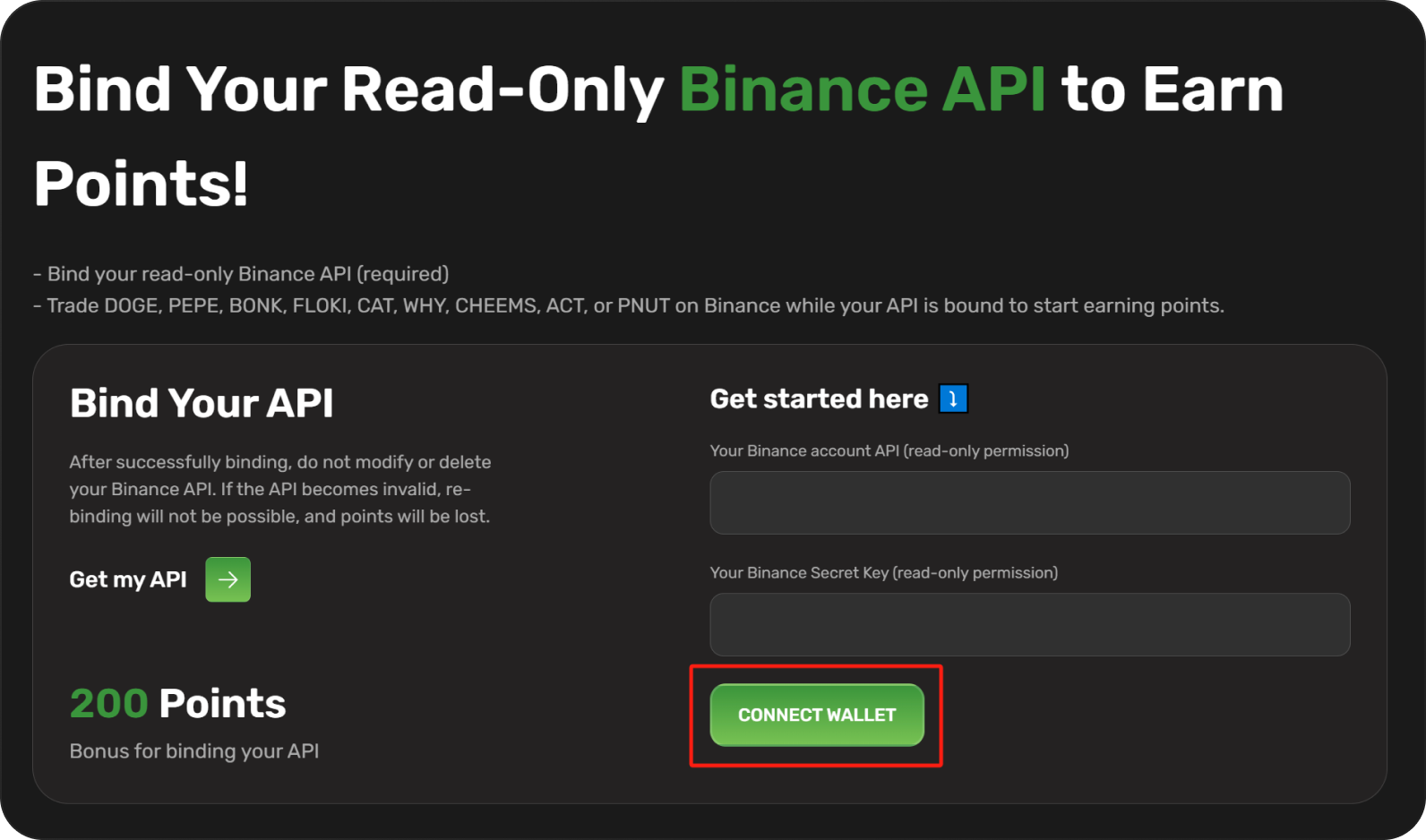
6. Copy the API Key and Password Key into Frog, locate the Binding API module, connect your wallet, and complete the signature process.
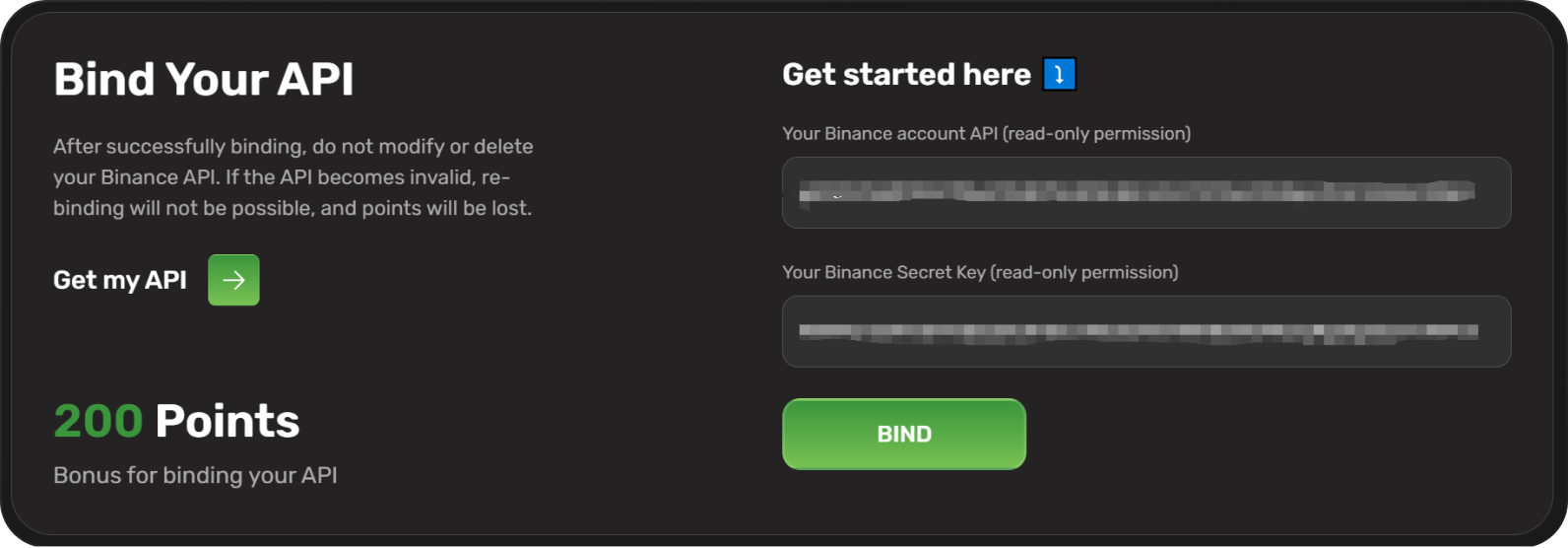
7. Enter the API Key and Password Key in the Binding API module. Click “Bind”, and a success message will appear, indicating that the API has been successfully bound.
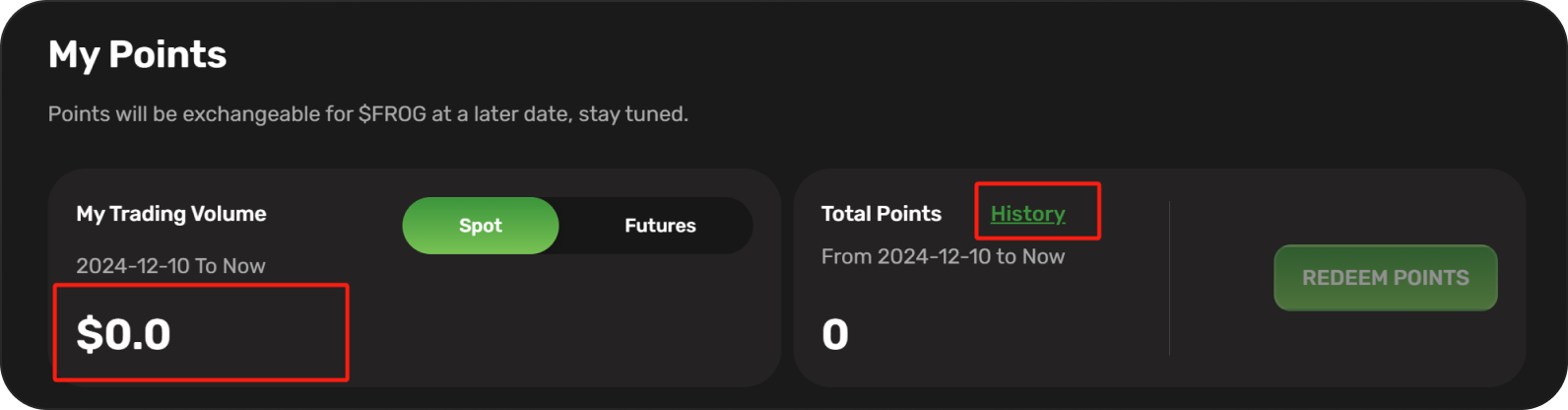
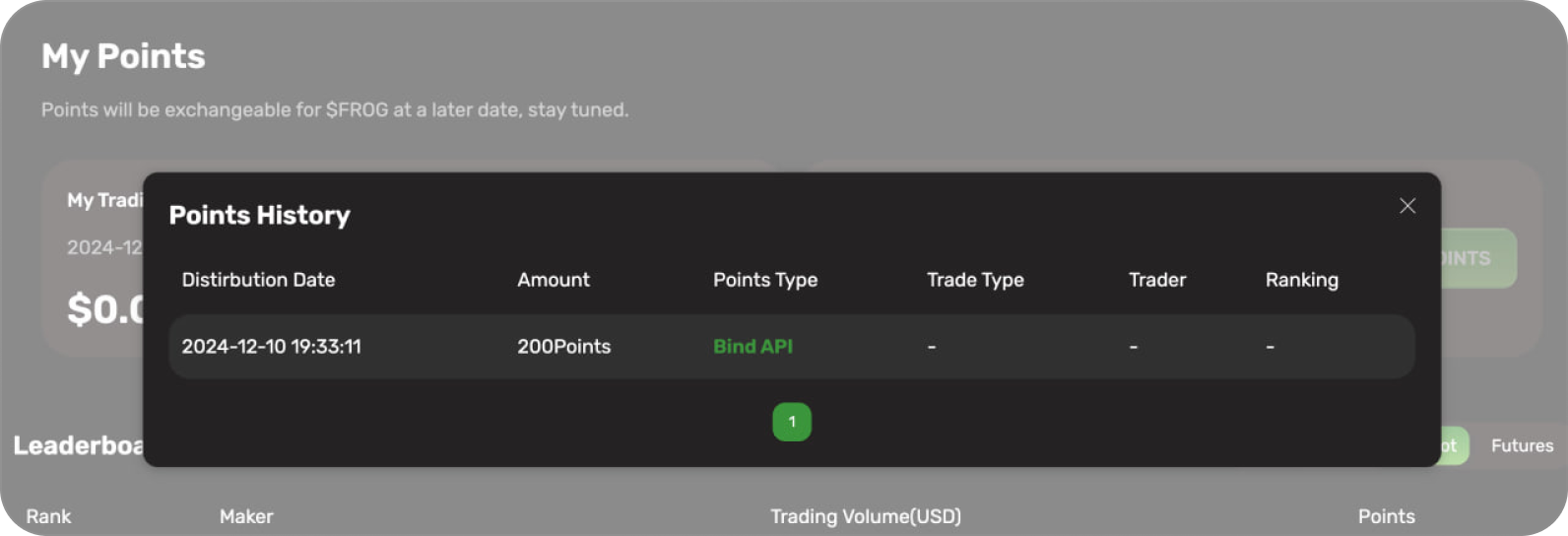
8. Return to Binance to trade. Supported tokens include DOGE, PEPE, BONK, FLOKI, CAT, WHY, CHEEMS, ACT, and PNUT. You can view the points earned from trading here.
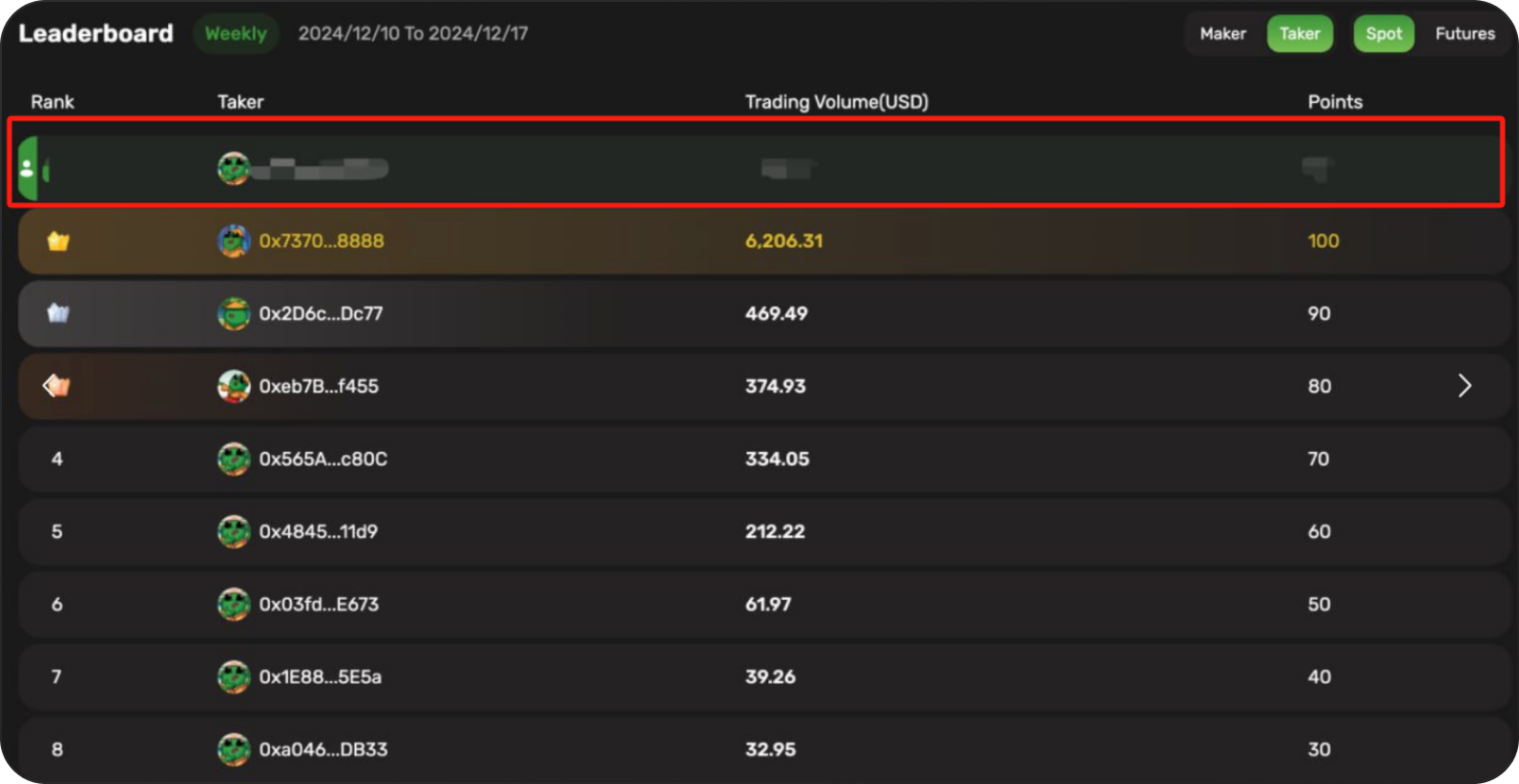
10. Users can view their ranking information in the first row of the leaderboard.